No source image
Start with text-to-image. Specify the subject, framing and light. Get the composition right before refining small details.
For lettering, put exact words in quotes and check spelling in the result.
 Nano Banana 2.5
THE IMAGE EDITING WORKBENCH
Have an image you almost like? Separate what stays from what changes. Choose a live model, make a focused edit, and compare the details before you keep it.
Strictly Prohibits Adult/NSFW ContentYour image will appear here
The model name and credit quote tell you what will run. Nano Banana 2 is the live default; Nano Banana 2.5 is pending and remains disabled in the selector.
Text generation is selected initially. Choose an editing route to use a reference.
Not available for generation. No release date or performance claims are implied.
02 / EXAMINE THE CHANGE
A real FLUX.2 generation and reference edit from this workspace. This is a process study, not a Nano Banana 2.5 sample.
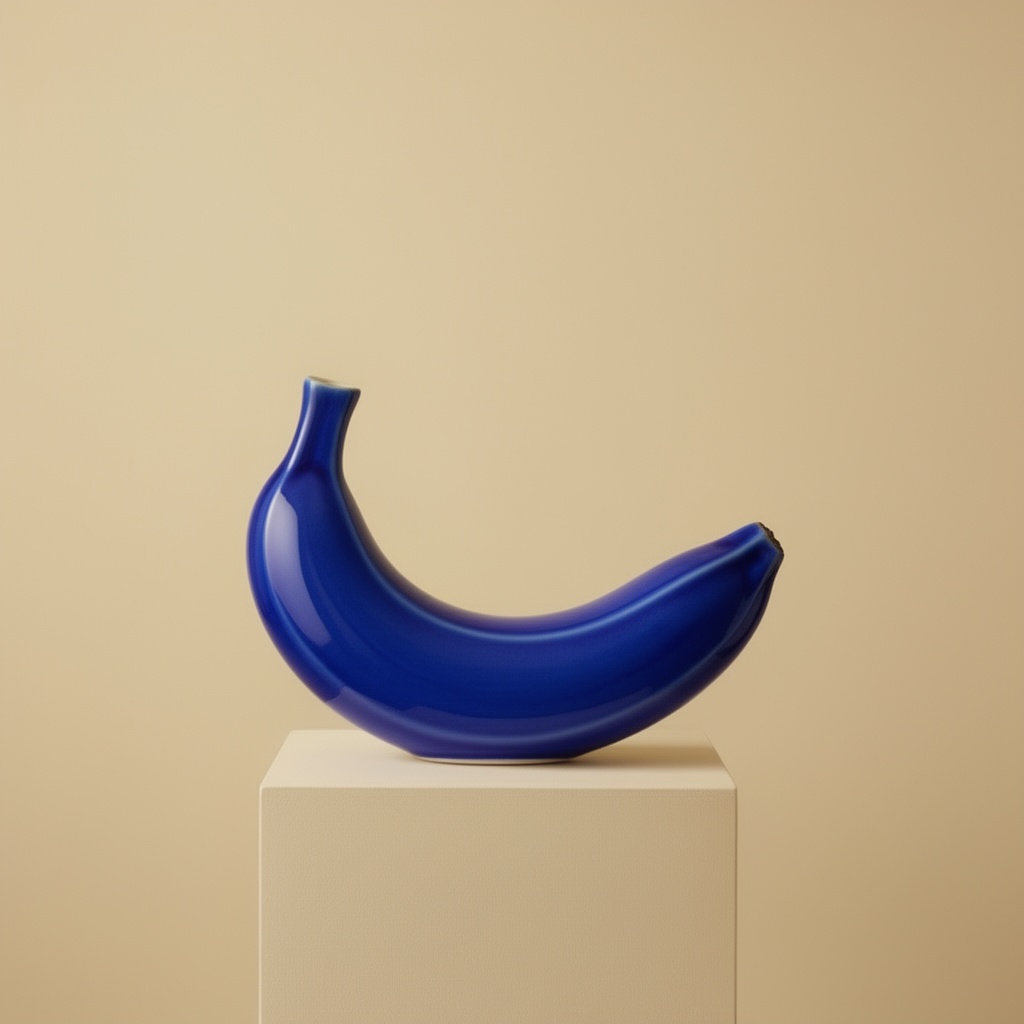
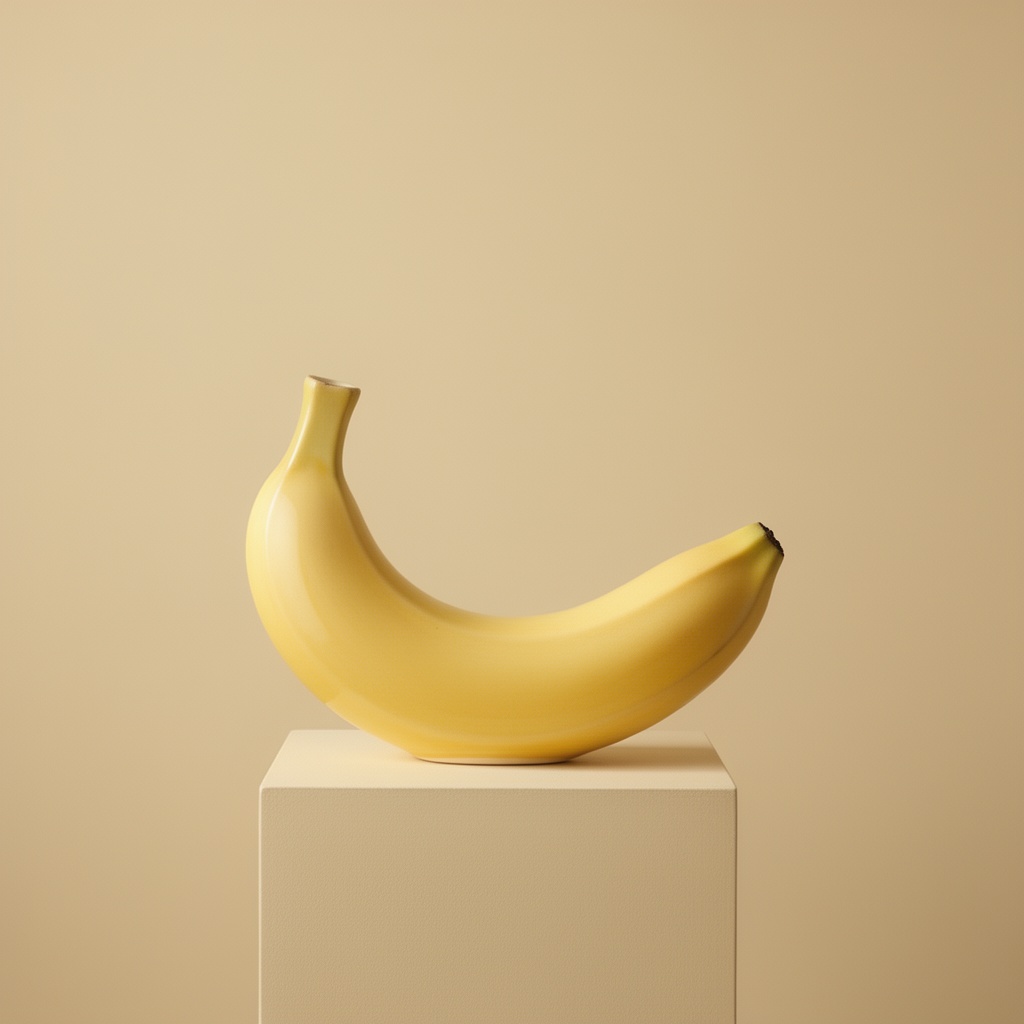 Yellow original / blue edit
Change only the ceramic glaze to cobalt blue. Preserve the banana-shaped silhouette, camera angle, pedestal, lighting and background. Keep the surface glossy. Do not add text or objects.
Then choose an editing model and upload your own reference. This button fills the prompt; it does not start a paid run.
03 / CHOOSE THE RIGHT INPUT
Start with text-to-image. Specify the subject, framing and light. Get the composition right before refining small details.
For lettering, put exact words in quotes and check spelling in the result.
Select an editing model and upload a reference you have permission to use. Make one change at a time so you can judge what improved.
Use the account history to revisit your outputs. Download the result after reviewing it at full size.
The Nano Banana 2.5 workbench includes the existing image catalog. Controls, reference limits and costs vary by model. Review plans and credits →
BEFORE YOU SUBMIT
No. Nano Banana 2.5 is a disabled, coming-soon entry. Nano Banana 2 is selected initially. Every submission uses the live model shown in the selector, never a model hidden behind the 2.5 name.
Name one change and list the details to preserve. For a material study, ask for a cobalt glaze while keeping the silhouette, camera angle and background. Check the output yourself: preservation is an instruction, not a guarantee.
The yellow and blue ceramic images are a real text-to-image and reference-edit pair made during our checks. They demonstrate the review process, not Nano Banana 2.5 performance. Both images are explicitly labelled with the model used.
Use text-to-image when you need a new composition. Select an editing route when you have a reference to upload. Available upload limits, controls and the credit quote depend on the selected model.
Compare edges, shadows and object proportions with the reference. Zoom into lettering and small details. Download a satisfactory result from the workspace or return to it in your account history.
No. This independently operated workbench has its own billing and accounts. It is not affiliated with Google, and the pending Nano Banana 2.5 entry does not announce a Google release date.